
Running Google Ads campaigns requires more than setting a budget and creating ads. Advertisers need to measure campaign performance to see whether their advertising efforts deliver the desired results.
Google Ads provides several metrics that help you evaluate different aspects of your campaigns, including ad visibility, user engagement, advertising costs, conversions, and revenue.
These metrics help you identify performance gaps, understand spending patterns, and measure your advertising strategy’s effectiveness.
However, not every metric has the same importance. Some help you measure website traffic, while others show how effectively your campaigns generate leads, sales, and revenue.
Continue reading this blog to understand which Google Ads metrics matter most.
Key Takeaways
- Google Ads metrics help measure campaign performance, advertising costs, and business results.
- Impressions and clicks show how your ads appear and how much traffic they generate.
- CTR helps measure how effectively your advertisements attract user attention.
- CPC and CPA help you understand the cost of generating website traffic and conversions.
- Conversion rate shows how effectively your campaigns turn ad interactions into desired actions.
- Different businesses should prioritise metrics according to their campaign goals.
What Are Google Ads Metrics, and Why Is It Important to Track Them?

Google Ads metrics reflect measurable values that help in analysing the performance of your campaigns. They provide information about visibility of ads, user engagement, ad cost, conversion rate, and revenue.
These metrics enable advertisers to track what is happening after their ads enter the auction.
For example, if you are running a Google Ads campaign for your “dental clinic,” you may want to know:
- How many people saw your advertisements?
- How many users clicked on your ads?
- How much did each click cost?
- How many people booked an appointment?
- How much did you spend to generate each booking?
Google Ads metrics focus on providing the information needed to answer these questions.
Here, we have explained the importance:
1. Analyze Campaign Performance
Google Ads metrics show whether your ads are reaching the right target users. Key aspects such as impressions and CTR give you a clear understanding of ad visibility and user engagement.
2. Manage Advertising Costs
Important metrics such as cost per click (CPC) and cost per conversion help you understand how much you are spending to attract visitors and generate measurable results.
3. Identify Campaign Problems
If your Google ads receive impressions but very few clicks, you may need to improve your ad copy. Similarly, if clicks are increasing but conversions remain low, you may need to review your landing page or conversion tracking.
4. Improve Return on Investment
By tracking conversions, conversion value, and ROAS, advertisers can identify which campaigns are generating valuable business results.
5. Make Better Advertising Decisions
Performance data helps you decide whether to increase monthly ad budgets, adjust bids, improve advertisements, or pause underperforming campaigns.
Important Google Ads Metrics You Should Know
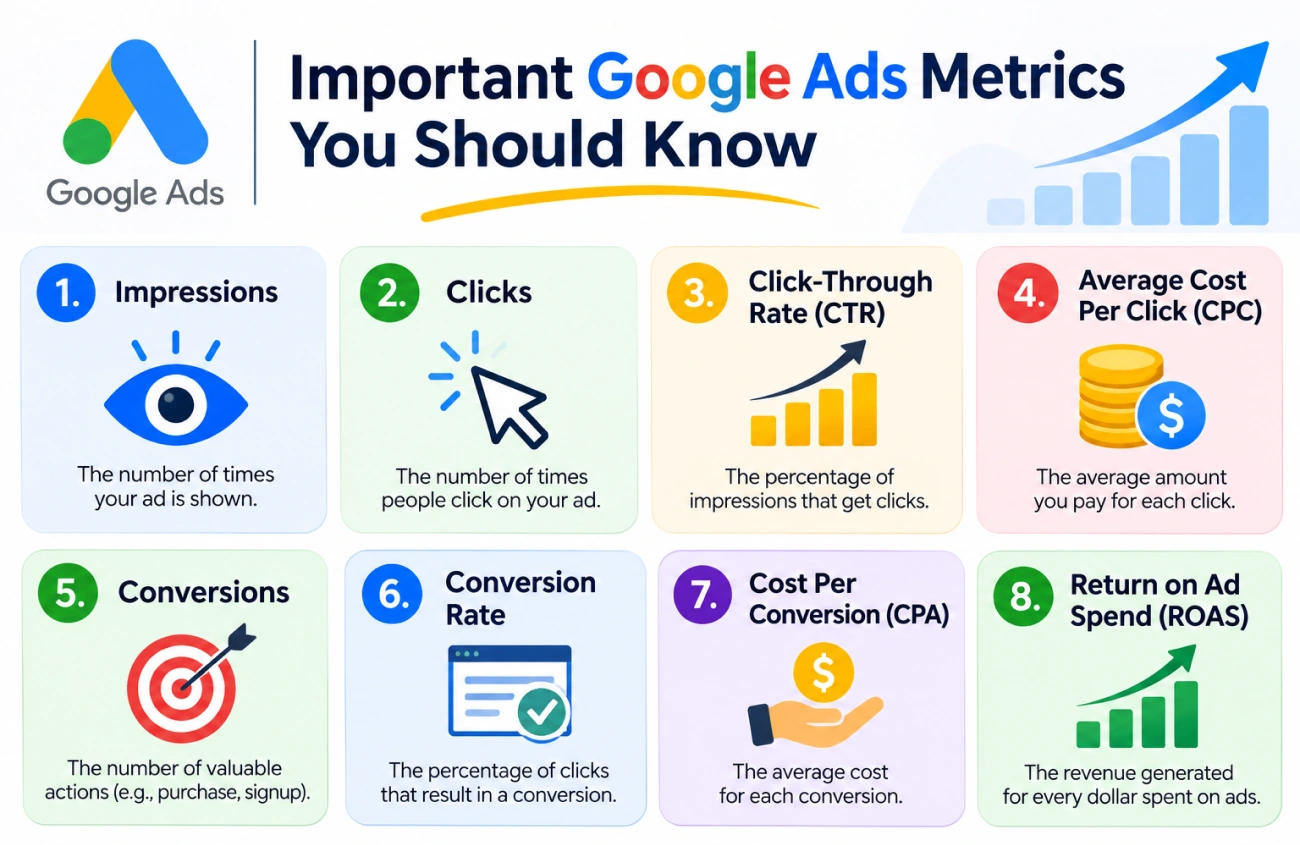
Google Ads offers many reporting metrics, but some are more useful than others when evaluating campaign performance. Let’s understand the important ones and how they help advertisers.
1. Impressions
Impressions show you the number of times your ad has been displayed to users. Whenever your ad appears in search results, it generates an impression.
For example, a digital marketing agency runs a Google Ads campaign for a month. During one month, ads may appear 1,000 times in search results. This means the campaign has received 1,000 impressions.
2. Clicks
Clicks show you the number of times users click on your ad after seeing it in search results. Whenever users click on your ad, it shows that they are interested in getting information about your business offerings.
For example, you run an ad campaign for SEO services. Your ad will only appear if users search for related terms like “SEO agency” or “SEO services for business”.
When someone finds your advertisement relevant and clicks on it, they are directed to your website or the landing page linked to that ad.
3. Click-Through Rate (CTR)
Click-through rate (CTR) shows the percentage of users who click on your advertisement after seeing it on search platforms. It helps you understand how effectively your ad attracts the right users and encourages them to visit your website.
4. Average Cost Per Click (CPC)
Average Cost Per Click (CPC) refers to the average amount you pay whenever someone clicks on your Google advertisement. It helps you understand how much of your advertising budget is being spent to bring visitors to your website.
In Google Ads, advertisers generally compete with other businesses to display their advertisements for relevant search queries. The actual amount you pay for a click can vary depending on factors such as competition, bidding, Ad Rank, and the auction context.
5. Conversions
Conversions refer to the valuable actions users take after clicking on or interacting with your Google advertisement. These actions depend on what you want people to do after visiting your website.
For example, if you run Google Ads to promote your digital marketing services, your main goal may not be to bring more visitors to your website. Instead, you may want visitors to submit an enquiry form, request a consultation, or call your business.
Whenever a user completes one of these desired actions, and it is properly tracked in Google Ads, it can be recorded as a conversion.
Some common conversion actions include:
- Form submissions: When visitors complete and submit an enquiry or contact form.
- Phone calls: When potential customers call your business through your advertisement or website.
- Purchases: When customers buy products from your online store.
- Appointment bookings: When users schedule a consultation or service appointment.
- Sign-ups: When visitors register for a newsletter, account, or free trial.
6. Conversion Rate
Conversion rate measures the percentage of users who complete a desired action after interacting with your Google advertisement. It helps you understand how effectively your campaign turns clicks into valuable actions, such as enquiries, purchases, phone calls, or appointment bookings.
In simple terms, conversion rate tells you how many people take the action you want after clicking on your advertisement.
7. Cost Per Conversion (CPA)
Cost Per Conversion (CPA) measures the average amount you spend to generate one conversion through your Google Ads campaign. A conversion can be an enquiry, phone call, product purchase, appointment booking, or any other valuable action you want users to complete.
In simple terms, CPA tells you how much money your business spends to get one lead or customer action through advertising.
8. Return on Ad Spend (ROAS)
Return on Ad Spend (ROAS) measures how much revenue your business generates from the money spent on Google Ads. It helps you understand whether your advertising campaigns are generating enough revenue compared with their advertising costs.
In simple terms, ROAS tells you how much money your business earns in tracked revenue for every rupee spent on advertisements.
Which Google Ads Metrics Matter Most for Your Business?
Not every business needs to focus on the same Google Ads metrics. The most important numbers depend on your campaign objective and the results you want to achieve.
Here, I have explained how different businesses can prioritise their metrics:
Business Type | Important Metrics |
|---|---|
| Ecommerce | It includes important metrics such as conversions, ROAS, and CPA. |
| Local Business | It includes calls, leads, conversion rate, and CPA. |
| B2B Agencies | It includes impressions, reach, and impression share. |
| Brand Awareness Campaigns | It involves important metrics such as conversions and cost per conversion. |
How to Analyse Google Ads Metrics Together
If you focus on looking at particular Google Ads metrics, then it will not provide you with complete performance data. It is important to analyse different metrics to understand how your advertisements are performing and where improvements are needed.
For example, impressions and CTR help you understand whether your ads are attracting the right users, while clicks and CPC show how much traffic you are generating and what you are paying for it.
Similarly, metrics like conversions, conversion rate, and CPA help you evaluate whether that traffic is turning into valuable leads or sales. If you are running campaigns to generate revenue, compare conversion value with advertising costs using ROAS.
Consider these points when analysing your campaign:
- High impressions but low CTR: Review your ad headlines, descriptions, and keyword relevance.
- High clicks but low conversions: Check your landing page, offer, and conversion tracking.
- High CPA: Review your keyword targeting, bidding, and conversion performance.
- Low ROAS: Examine campaign spending, conversion values, and product or service revenue.
By analysing these metrics together, you can identify performance gaps and make better decisions about your Google Ads budget and campaign strategy.
Common Mistakes to Avoid When Measuring Google Ads Performance
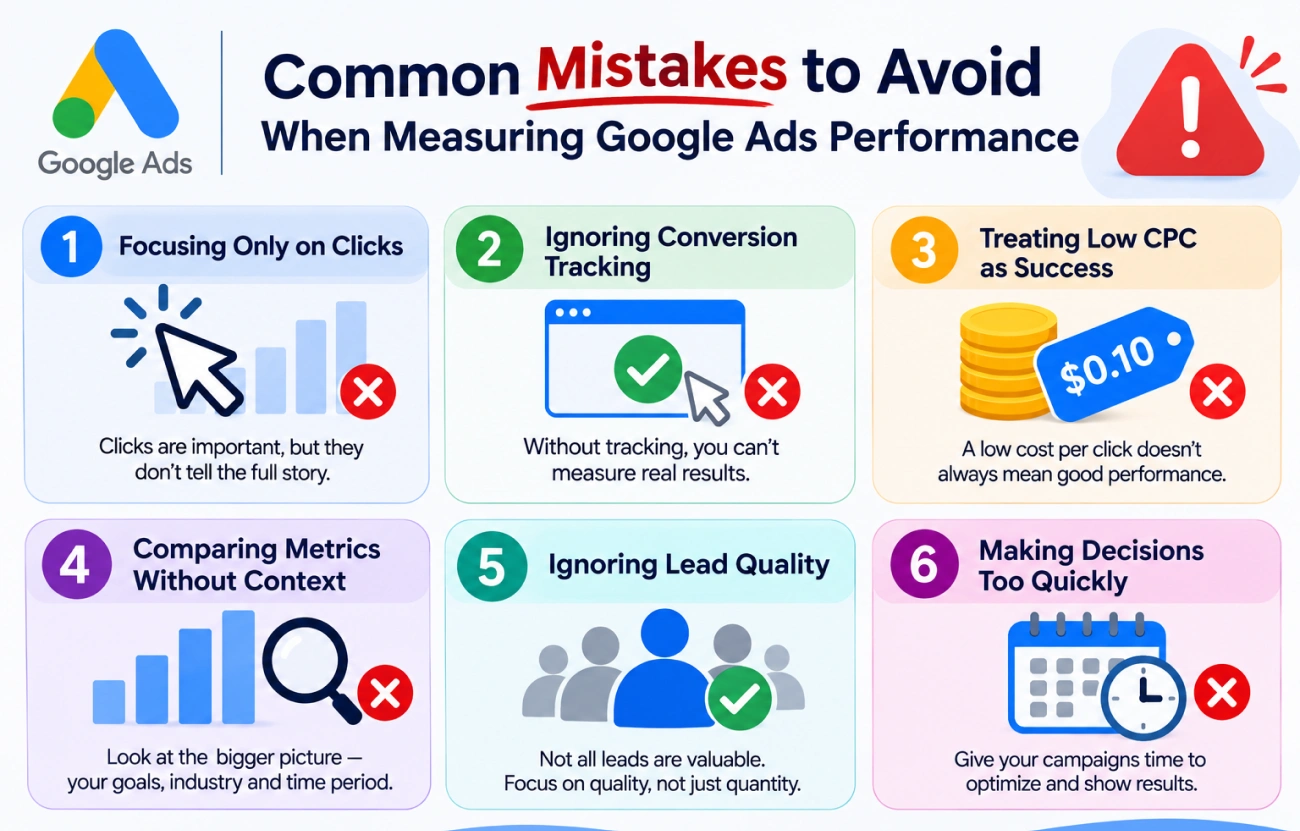
Here are some common mistakes to avoid:
1. Focusing Only on Clicks
More clicks don’t mean more business. You should always check whether your traffic generates any leads, sales, or any other valuable action.
2. Ignoring Conversion Tracking
Without proper PPC conversion tracking, you may not know which campaigns, ads, or keywords bring you results.
3. Treating Low CPC as Success
A low CPC may drive traffic, but that traffic may be irrelevant. You need to analyze the CPC in accordance with the conversion rate and cost per conversion.
4. Comparing Metrics Without Context
A CTR or conversion rate that works for one industry may not be suitable for another. Consider your industry, campaign type, competition, and business objectives.
5. Ignoring Lead Quality
Not every form submission or phone call represents a potential customer. Check how many leads are qualified and eventually become paying customers.
6. Making Decisions Too Quickly
Avoid changing campaigns based on a small amount of data or short-term fluctuations. Allow sufficient time and conversion data to identify meaningful performance trends.
Frequently Asked Questions
1. What are the most important Google Ads metrics?
The most important Google Ads metrics involve conversions, conversion rate, CPC, ROAS, and impressions. The right metrics depend on your campaign objectives.
2. What is a good CTR in Google Ads?
There is no single CTR that is considered good for every campaign. It depends on your industry, keywords, competition, ad format, and campaign type. Compare your CTR with historical performance and relevant campaign benchmarks.
3. What is the difference between CPC and CPA?
CPC measures how much you pay for an individual click on your advertisement, while CPA measures how much you spend to generate one conversion.
4. Which Google Ads metric measures profitability?
ROAS measures tracked conversion revenue compared with advertising costs. However, it does not directly measure profit because other business expenses are not included.
5. How often should I check Google Ads metrics?
You can monitor important metrics regularly, but the frequency of detailed analysis depends on your budget, campaign activity, and conversion volume. Weekly reviews are useful for identifying trends, while monthly reviews can help evaluate overall performance.
Conclusion
Google Ads metrics play an important role, as they help advertisers understand how their campaigns perform, where their advertising budget goes, and whether their advertisements are generating meaningful business results.
However, focusing only on a single metric is not enough to evaluate campaign data. Metrics such as impressions and clicks explain visibility and engagement, while conversions, CPA, and ROAS provide clearer data on campaign outcomes and advertising efficiency.
The best strategy is to choose metrics according to your business goals, review them together, and use the insights to make informed campaign decisions. This helps you move beyond simply generating traffic and focus on attracting the right audience, generating valuable leads, and improving your advertising results.